
Ocean 2018 is available for evaluation and purchase! Native support for X-Rite .AXF, nano particles with MIE scatering, new noise killer, and many other powerful features!
Eclat-Digital is glad to announce Ocean 2018. This new release includes a lot of absoluty stunning new features.
Eclat-Digital is glad to announce Ocean 2018. This new release includes a lot of absoluty stunning new features.
You may download the latest BETA version here :
Manual pages on new features : New features and changes in Ocean 2018
Ocean Light Simulator 2018 reference here : Documentation

New features and changes in ocean 2018

Measured AxF material rendered in Ocean
The “Appearance eXchange Format” is an exclusive format of X-Rite compagny. It contains a large amount of information and characteristics of complex materials. This type of file, which can now be interpreted with Ocean (as a new material), allows a high level of realism to be achieved on many materials.X-Rite, Pantone, AxF, the AxF logos are trademarks of XRite,inc.
See :
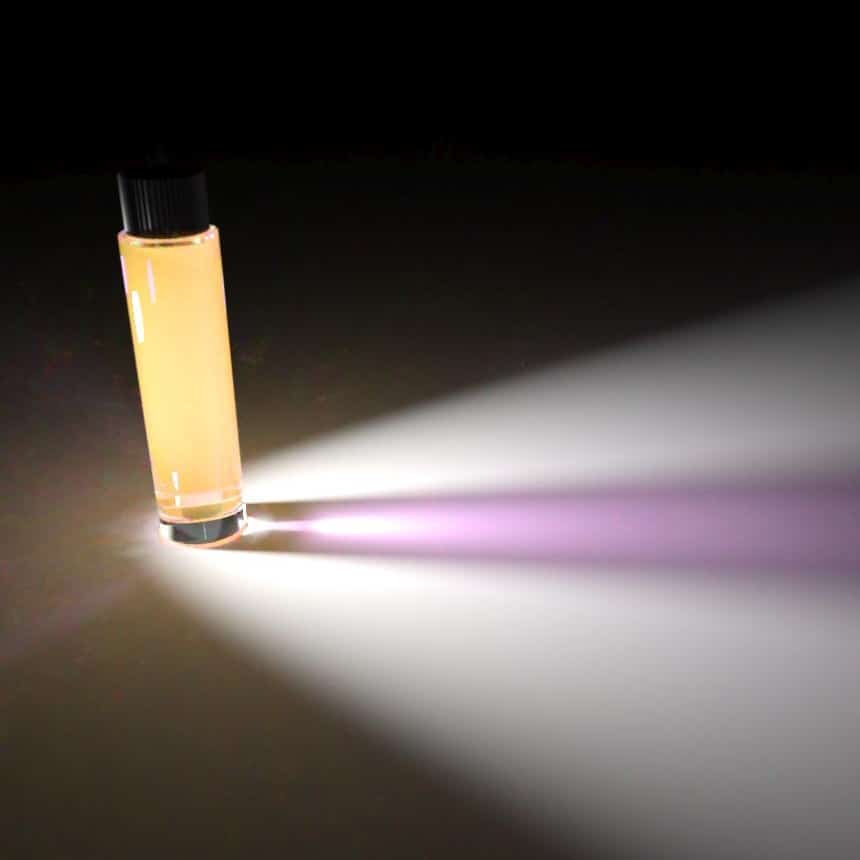
Colloidal solution with gold nanoparticles.
Ocean already makes it possible to describe scattering media with scattering nodes , with Rayleigh scattering for example (for molecules or sub-nanometric particles), the Mie medium goes further and simulates the behaviour of particles diluted from nanometers to hundred micrometers!
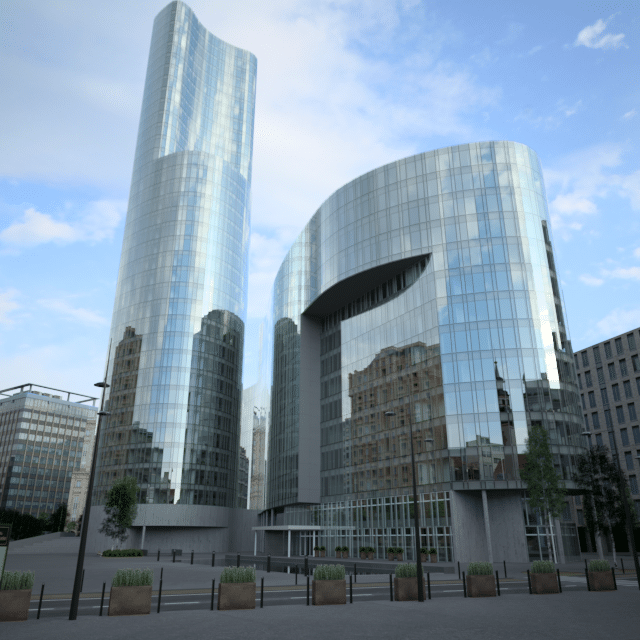
In counter diving image, vertical lines are oblique. Lens Shift have been added into instrument object parameter list to correct this effect. Instead of changing the point of view, lens shift can be used
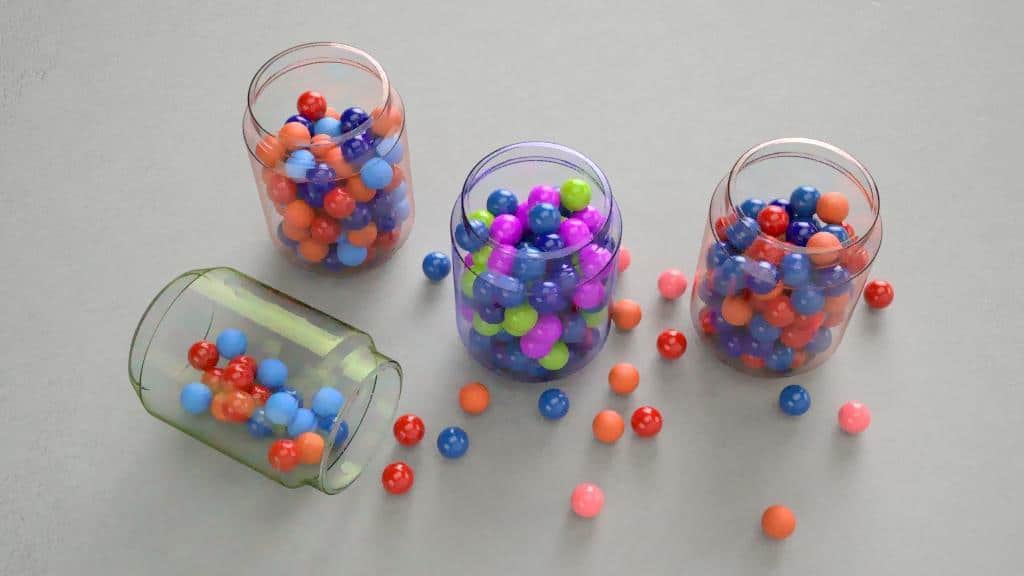
A typical use for random scalar shader in switch BSDF
A new type of scalar shader has been added and makes it possible to generate various materials assign randomly on instances. This node picks random values for each instance where it is used and should be combined with a switch or blend BRDF.
A new type of scalar shader has been added and makes it possible to generate various materials assign randomly on instances. This node picks random values for each instance where it is used and should be combined with a switch or blend BRDF.
A new node called “Dielectric function” has been introduced for more clarity. From now, most nodes using a medium are directly related to the dielectric function of the material under study. The dielectric function represents the optical properties of the material: its refractive index and absorption.
OpenCL, for Open Computing Language is a language that significantly improves the computation time of post-processing by parallelizing heterogeneous tasks between CPU and GPU.
In fact, by activating OpenCL, the time required for post-processing tasks: filters and denoising is drastically reduced.
In fact, by activating OpenCL, the time required for post-processing tasks: filters and denoising is drastically reduced.
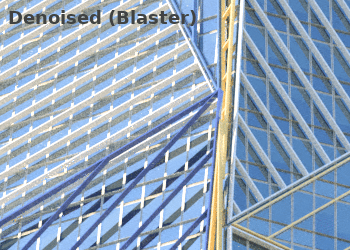
Blaster algorithm as been implemented to perform a new image denoising. It is bestly adapted in the case where both types of noise, gaussian noise and impulse noise, are involved.
See: Noise killer filter
See: Noise killer filter
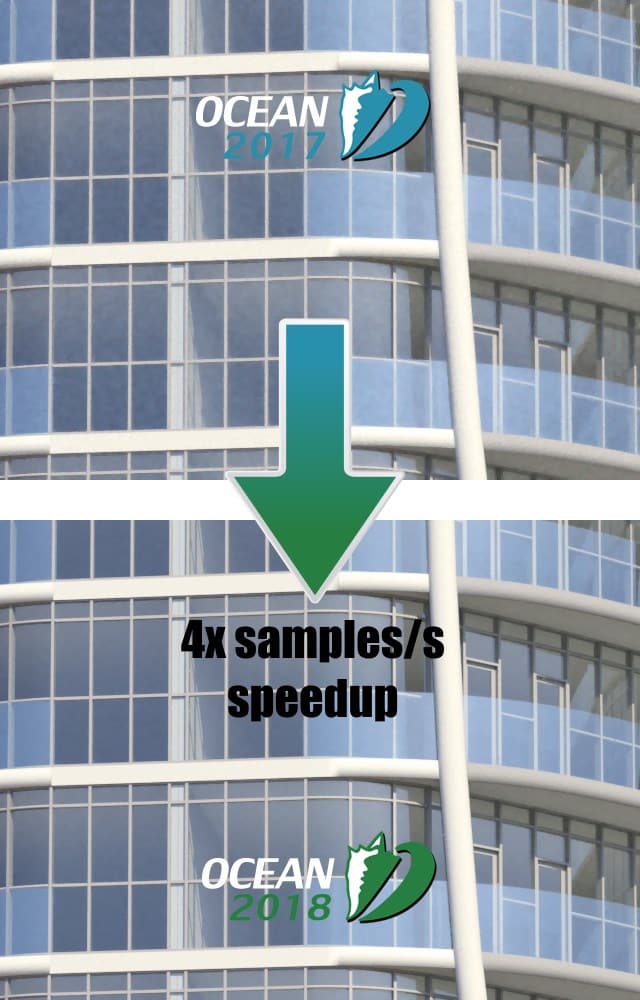
We optimized the ray-tracing code for scenes with large number of simple overlapping instances, which are commonly generated by software such as Revit or CAD imports.
The speedup is typically 3x to 5x in those scenes.
The speedup is typically 3x to 5x in those scenes.
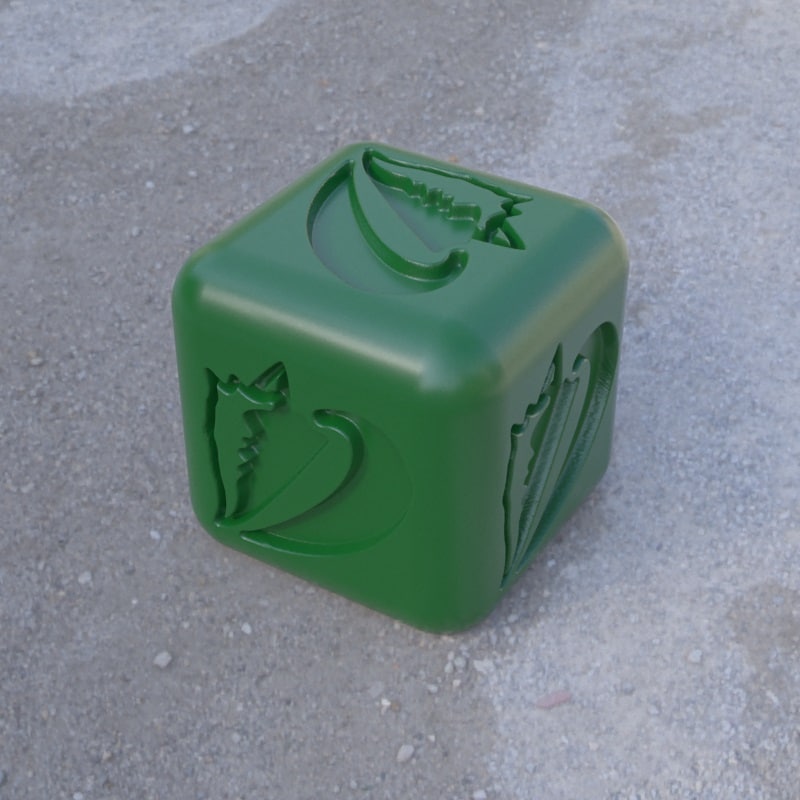
Ocean continues to improve the integration of the various 3D modeling tools.
Autodesk 3ds Max 2019 is now supported with mesh, material and camera import.
The Rhinoceros exporter has undergone some improvements and offers more export functionalities and now can export materials defined per surface. It also exports mesh deformations (displacement, chamfer, …) by exporting final geometry in the OCXML.
See Rhino Plugin
Autodesk 3ds Max 2019 is now supported with mesh, material and camera import.
The Rhinoceros exporter has undergone some improvements and offers more export functionalities and now can export materials defined per surface. It also exports mesh deformations (displacement, chamfer, …) by exporting final geometry in the OCXML.
See Rhino Plugin
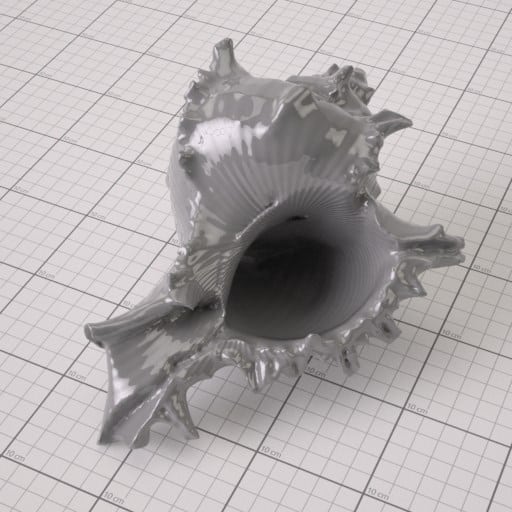
Procedural wrinkes with SDK plugin
The SDK allows writing new object types (Environment, Filter shader, etc…) with high performance C++ code, for extending the possibilities of Ocean.
See: SDK
The SDK allows writing new object types (Environment, Filter shader, etc…) with high performance C++ code, for extending the possibilities of Ocean.
See: SDK
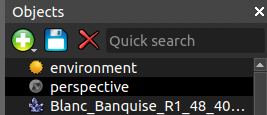
Quick search box
Search box for object: easy and quick way to find an object, as for instrument, material or environement in Objects panel (cf. Quick search box)
Search box for object: easy and quick way to find an object, as for instrument, material or environement in Objects panel (cf. Quick search box)
There is now a set of keyboard shortcuts for handling open tabs, such as:
- Switching to the next tab (Ctrl-Tab or Ctrl-PgDown)
- Switching to the previous tabs (Ctrl-Shift-Tab or Ctrl-PgUp)
- Closing the current tab (Ctrl-W or Ctrl-F4)
- Undo closing the current tab (Ctrl-Shift-T)
- Duplicating the current tab (Ctrl-D)
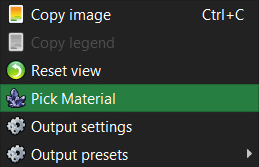
You may now pick and edit the material on a render in progress!
See Pick material
See Pick material
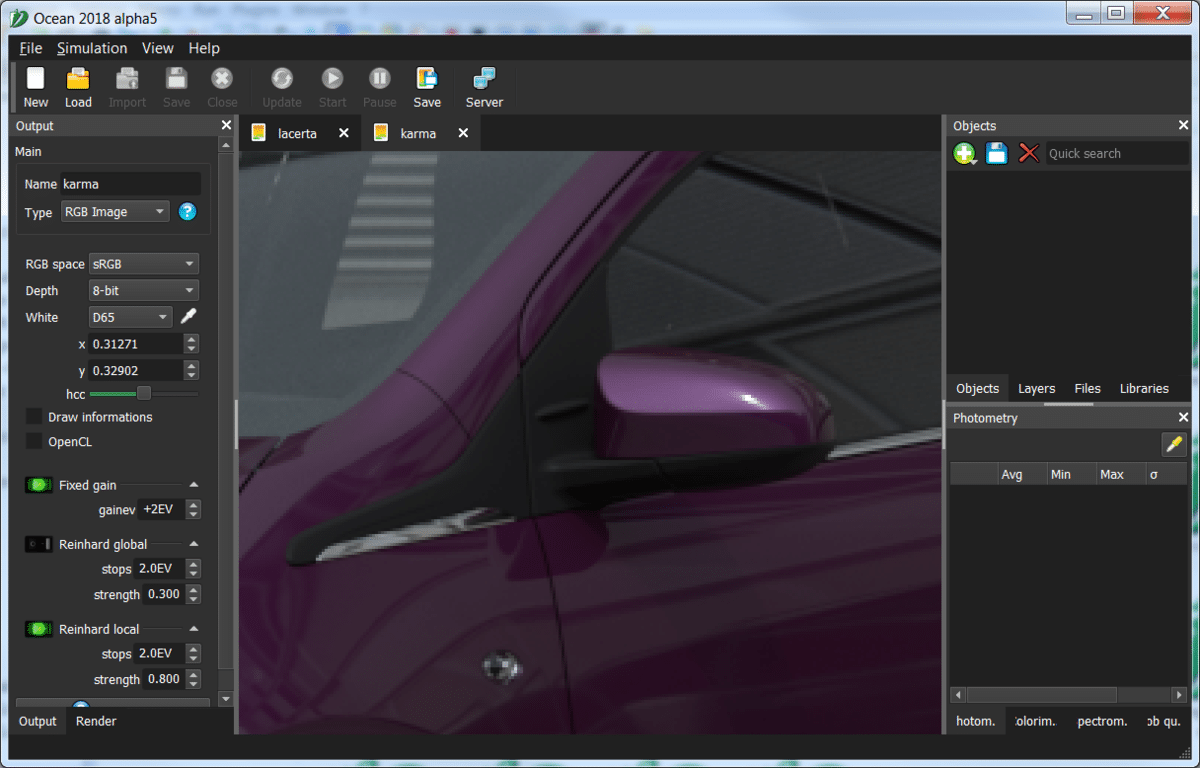
You may now link zoom and scrolling between the preview tabs, making image comparison easier
See Linking views
See Linking views
Ctrl-C and Ctrl-V are now working in most windows and toolboxes
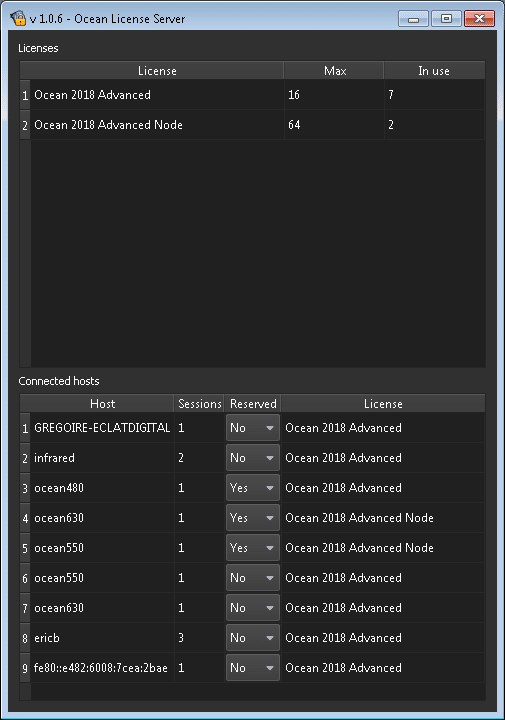
When using a license server, it is now possible to lock a license to a computer. This license will be reserved to that machine, other computers will not be allowed to use it.
More info on https://eclat-digital.com/contact/


Responses